Lab 5 (Group Lab)
Team Members
Jalmeen (Joy)
Natasha Rupani
Integration of GitHub with Jenkins
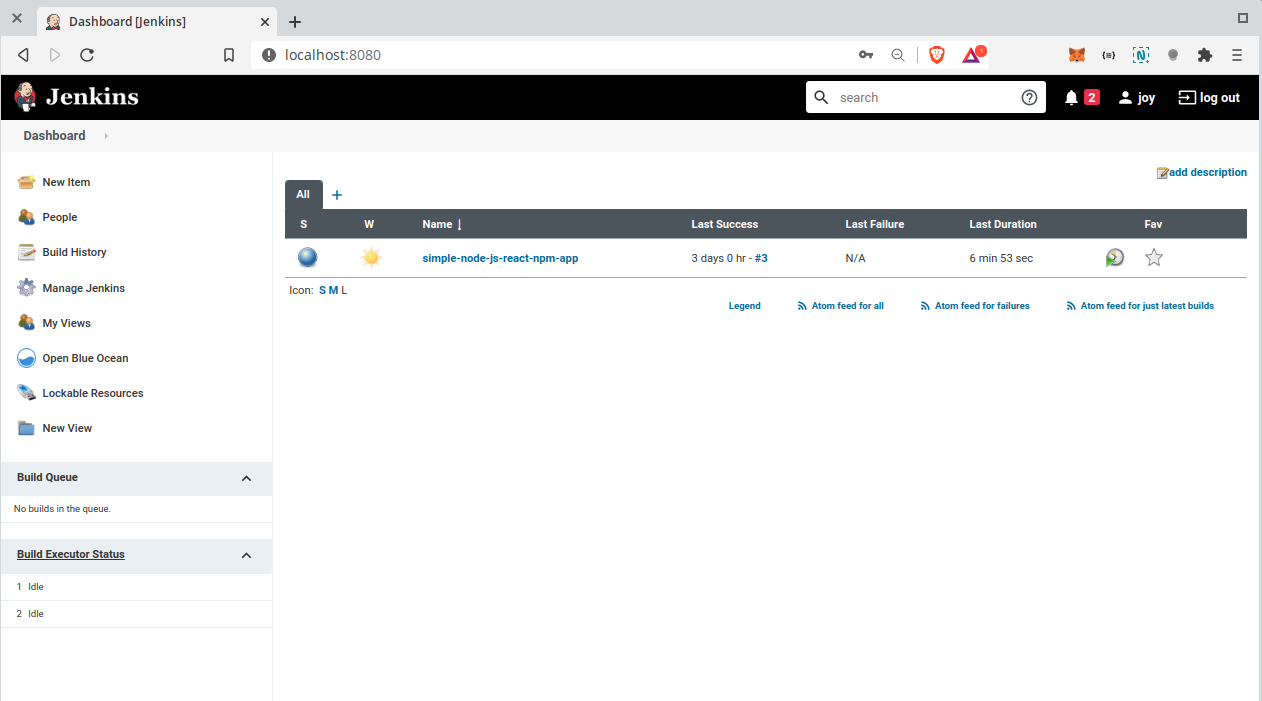
Go to Jenkins UI and Open Blue Oceans
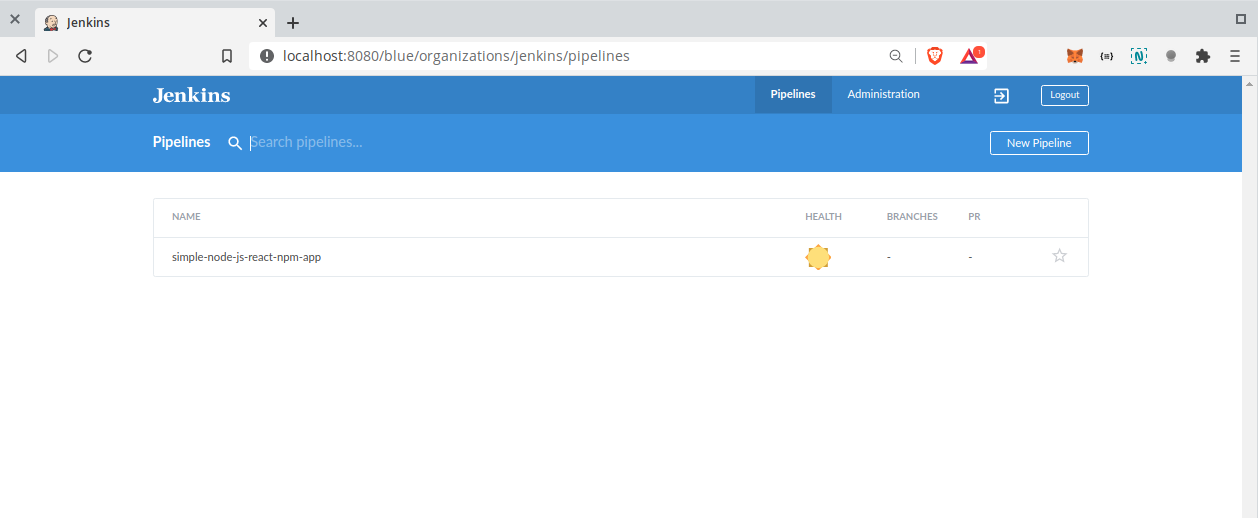
Create a new Pipeline
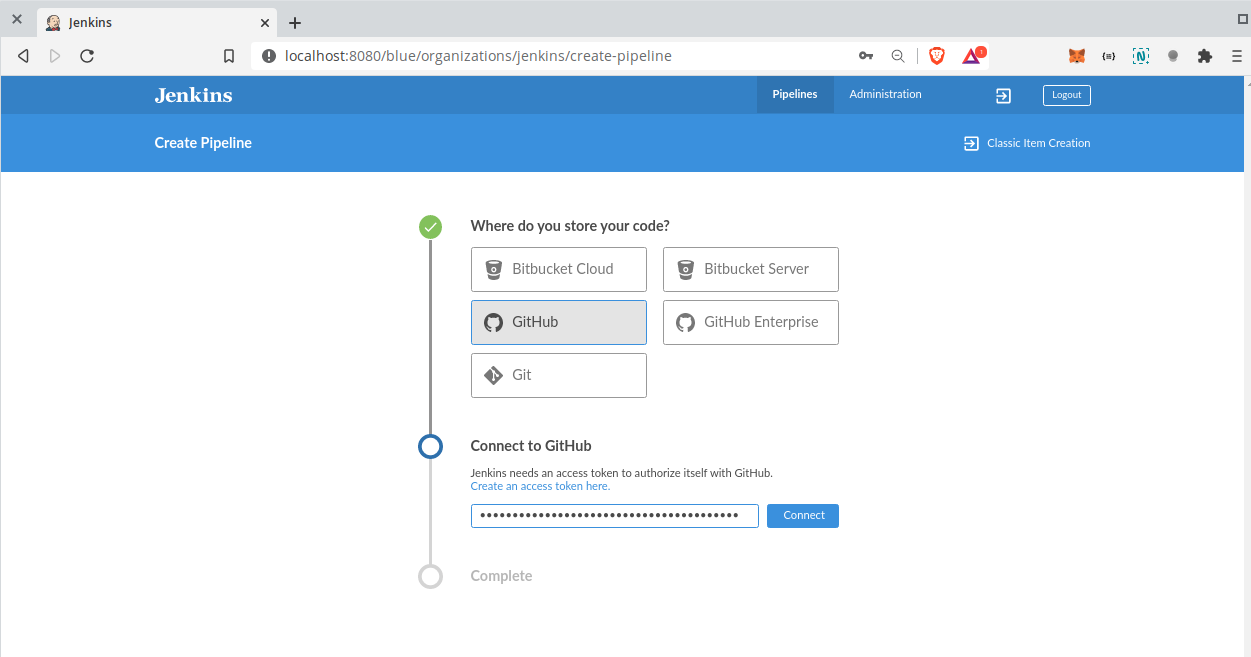
Select the remote version control system from available options & connect Jenkins to the remote VCS via personal access token
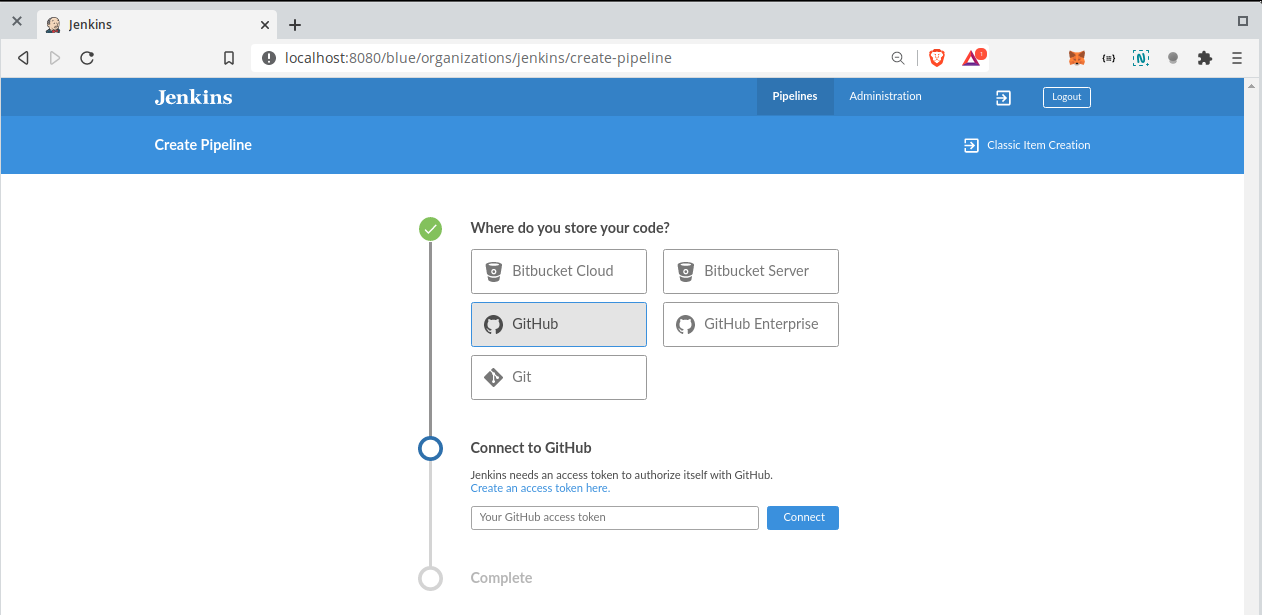
Owner of the repository can go to https://github.com/settings/profile
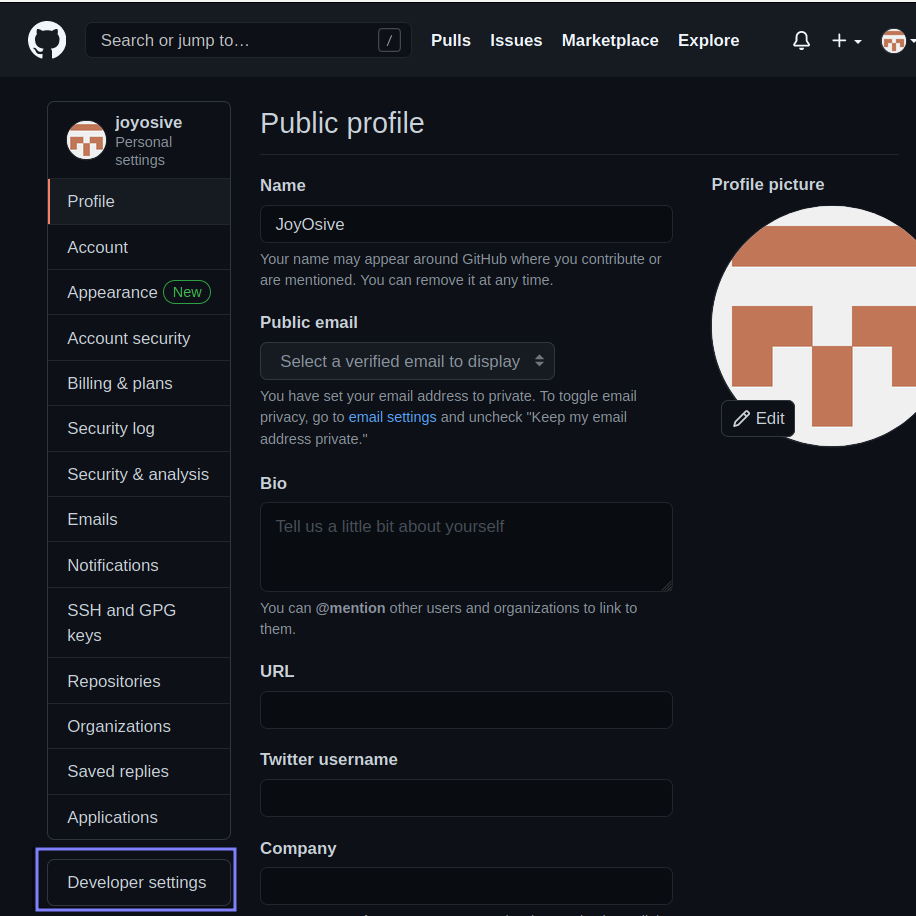
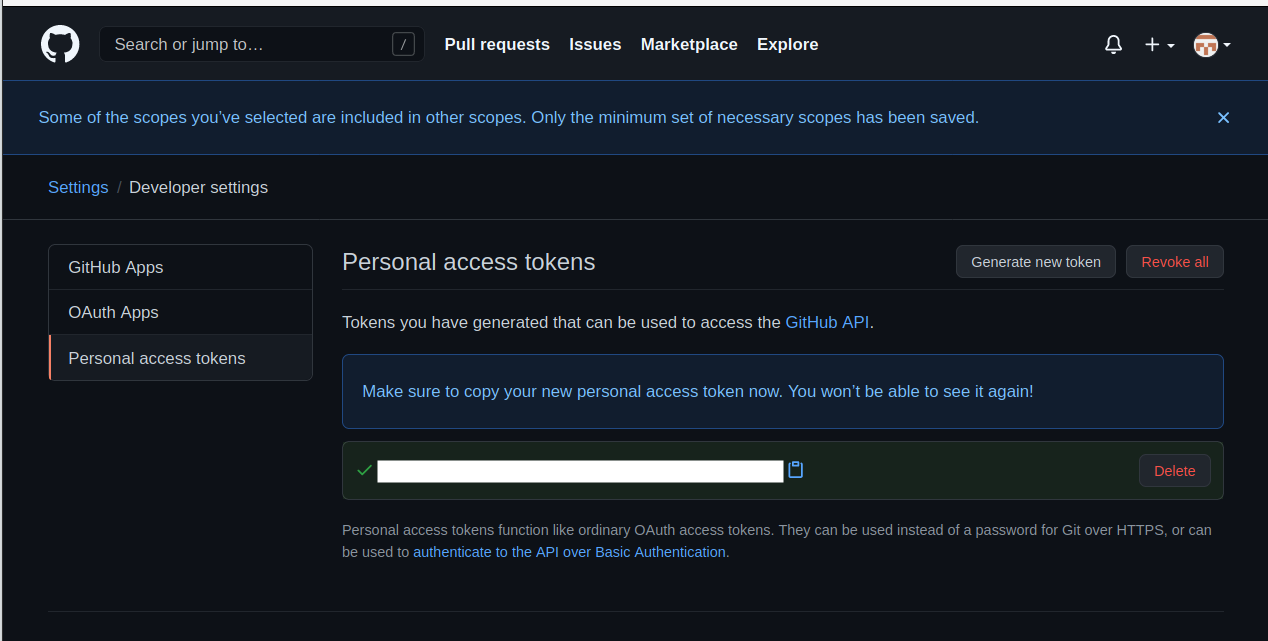
Click on personal access token
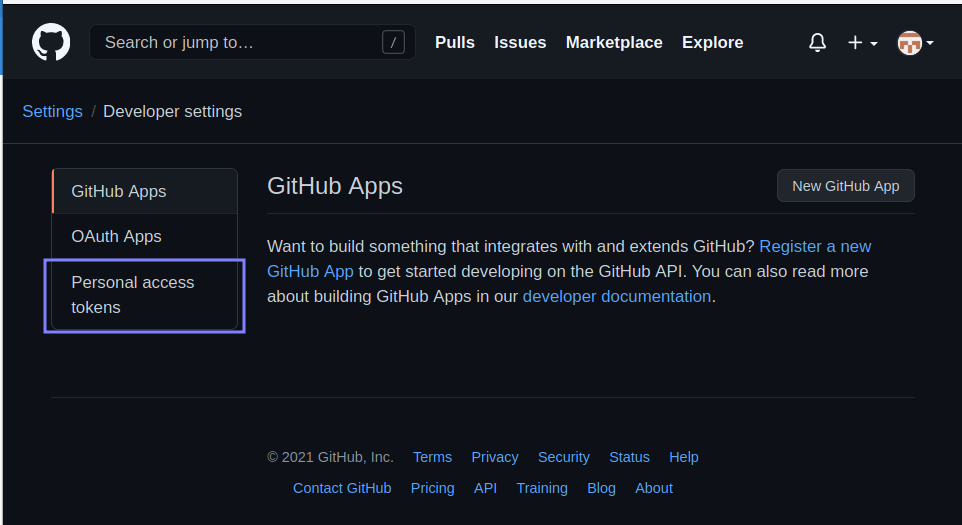
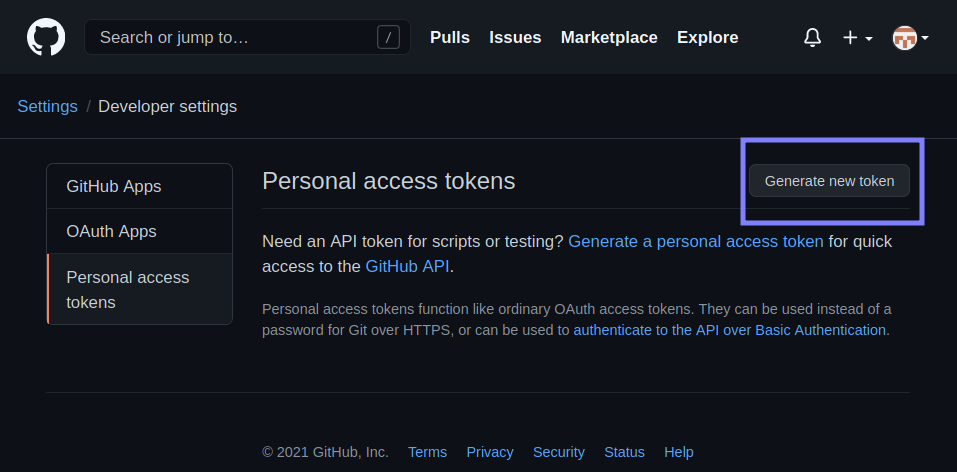
Click Generate new token
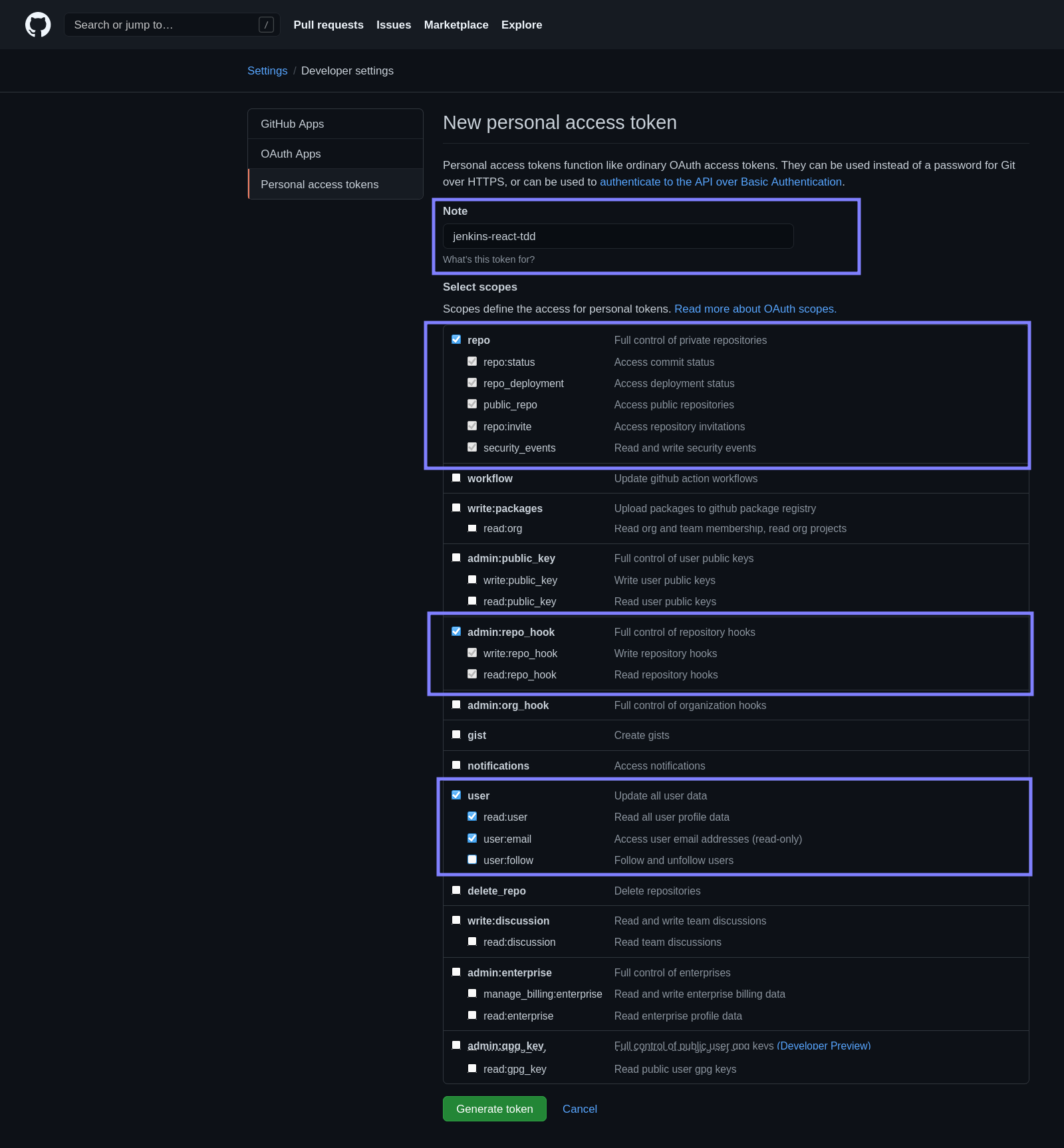
Make the scope selection as shown.
Copy personal access token
Paste the personal access from clipboard
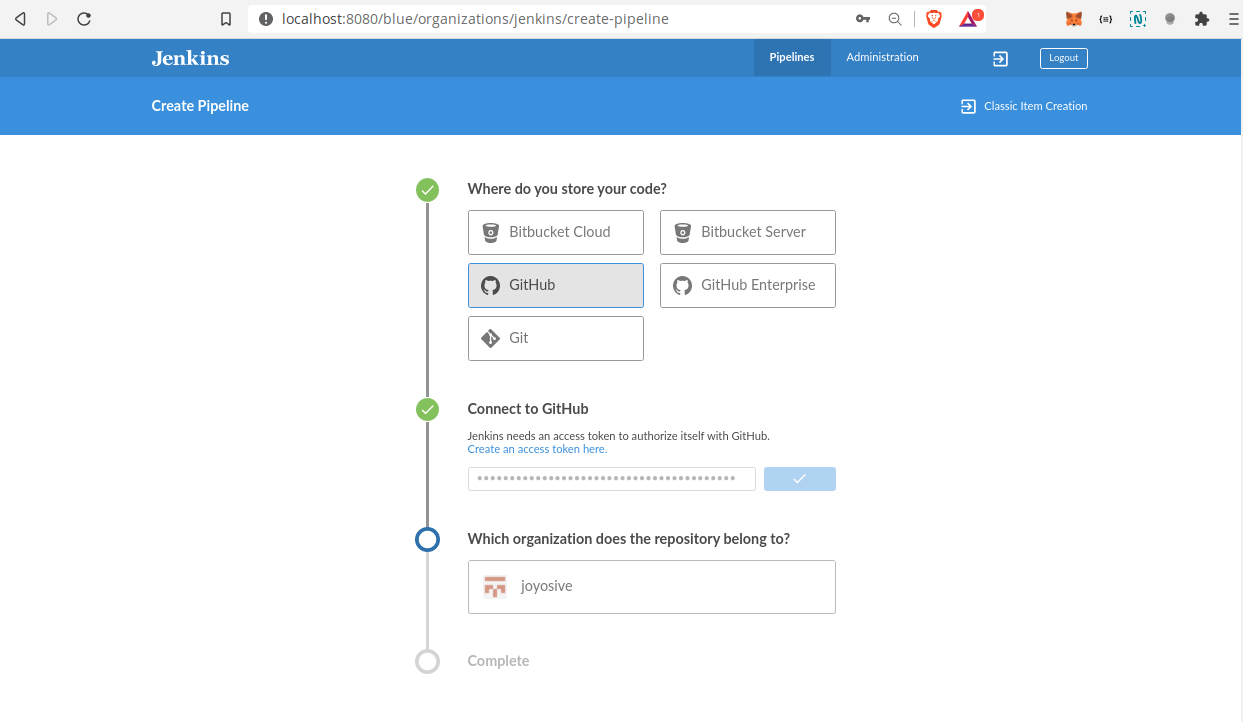
Select your username / organisation.
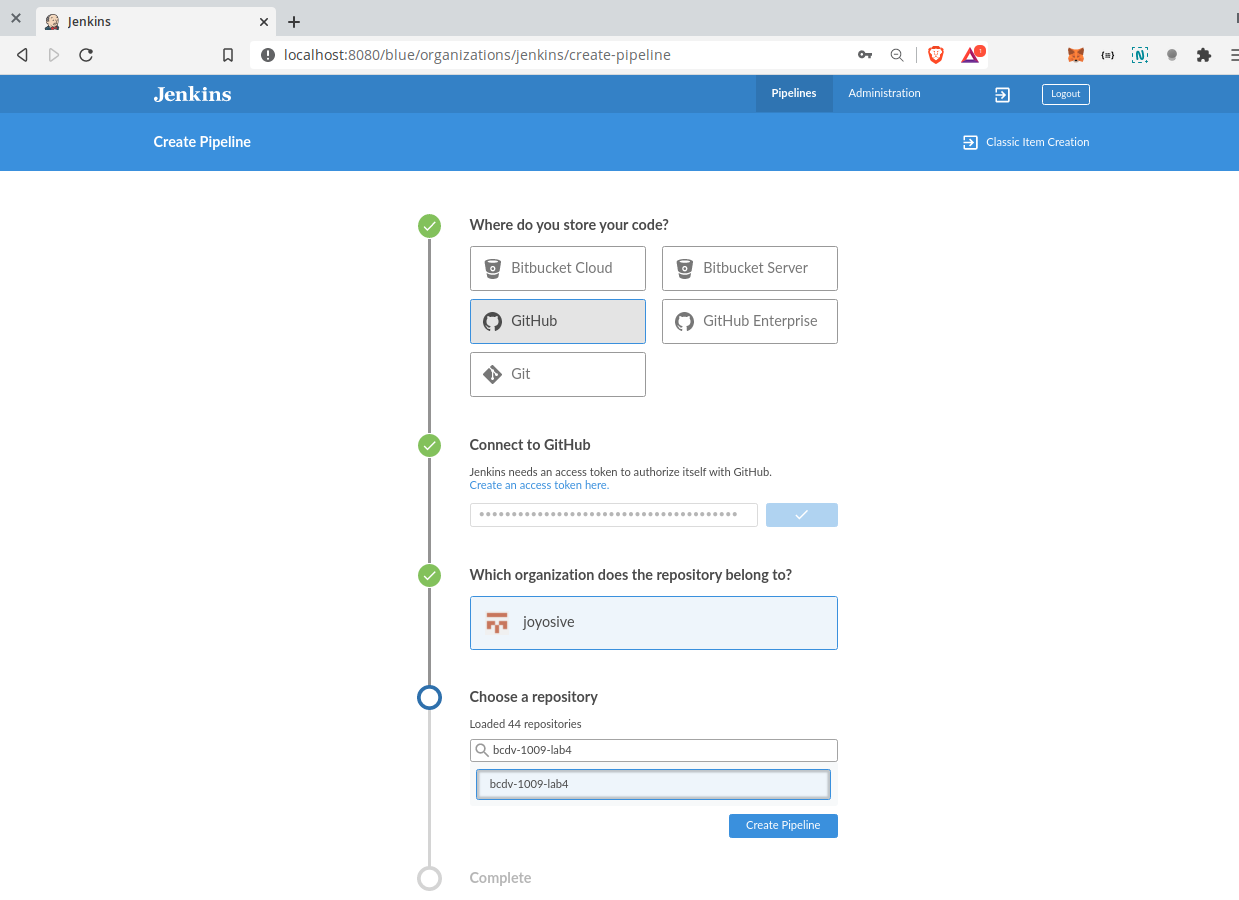
Click on create pipeline.
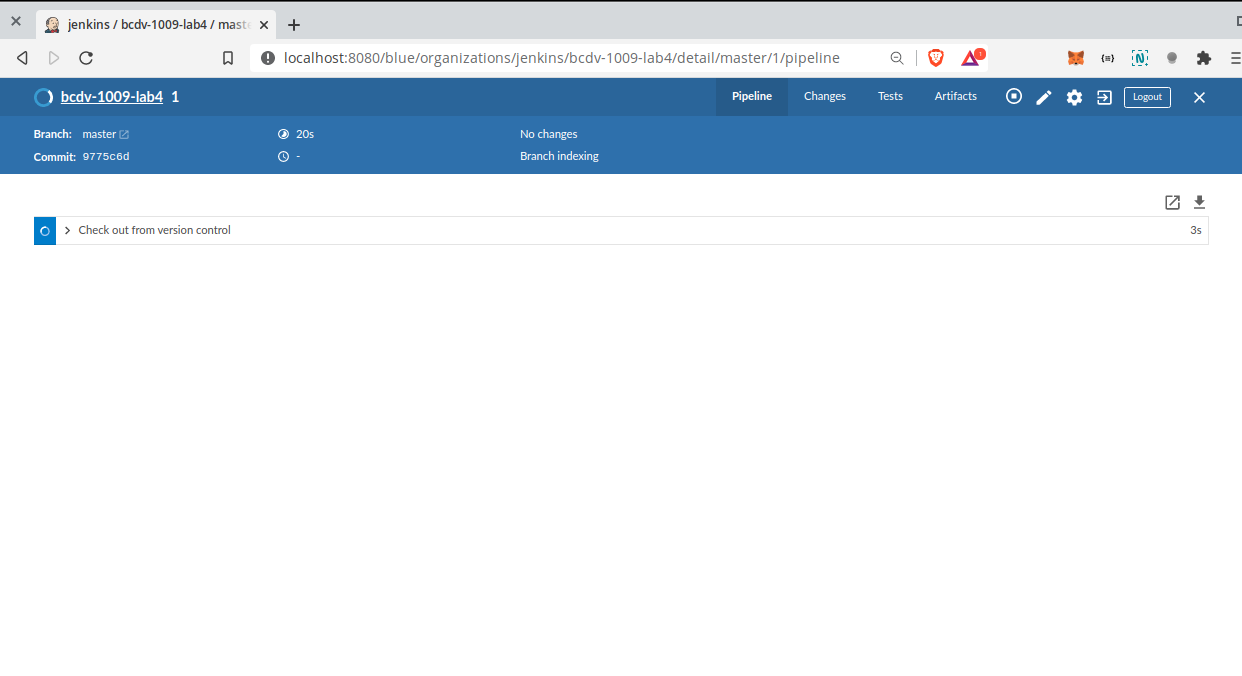
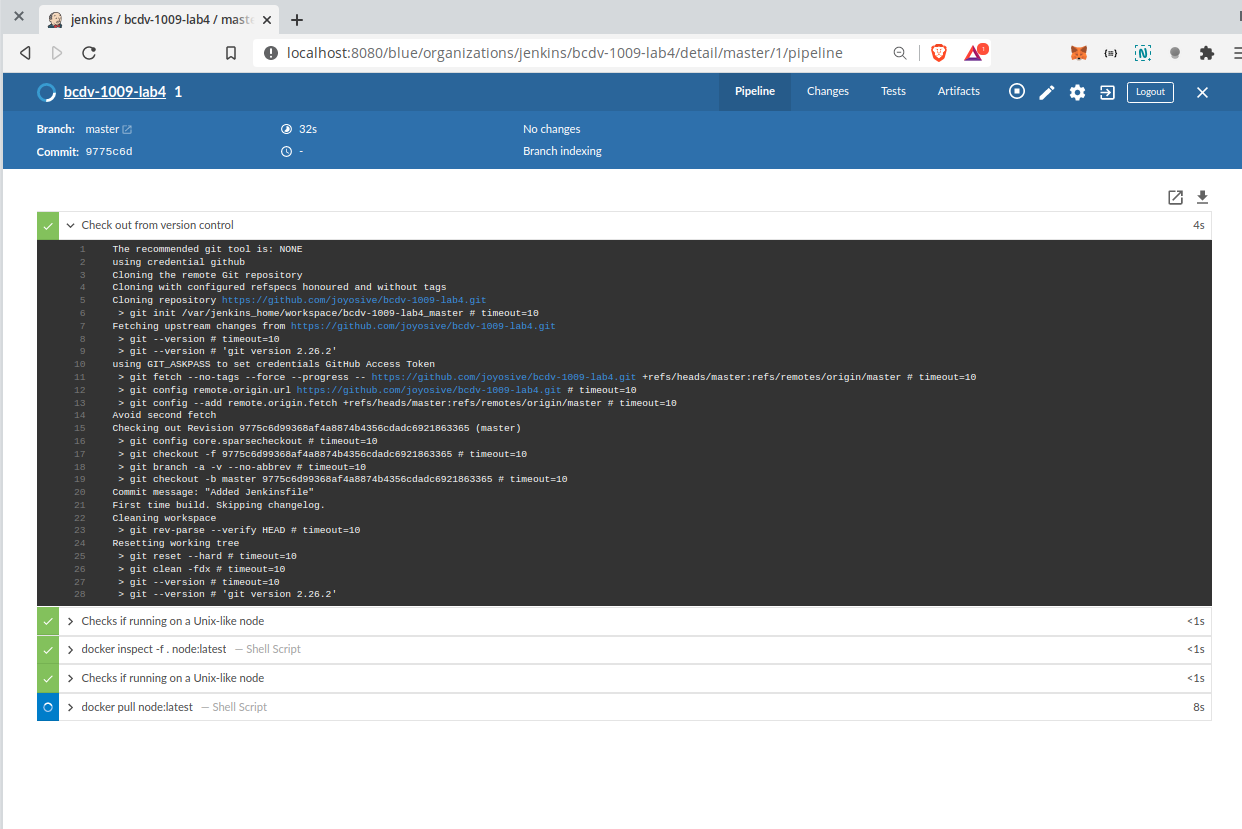
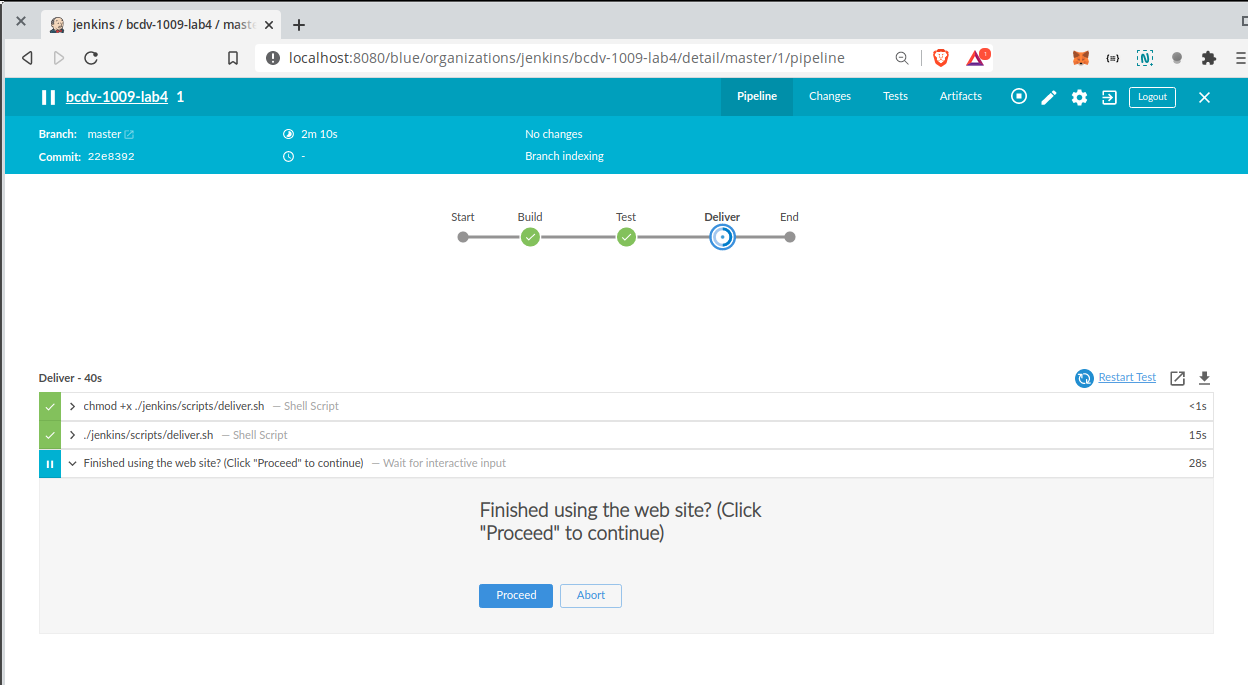
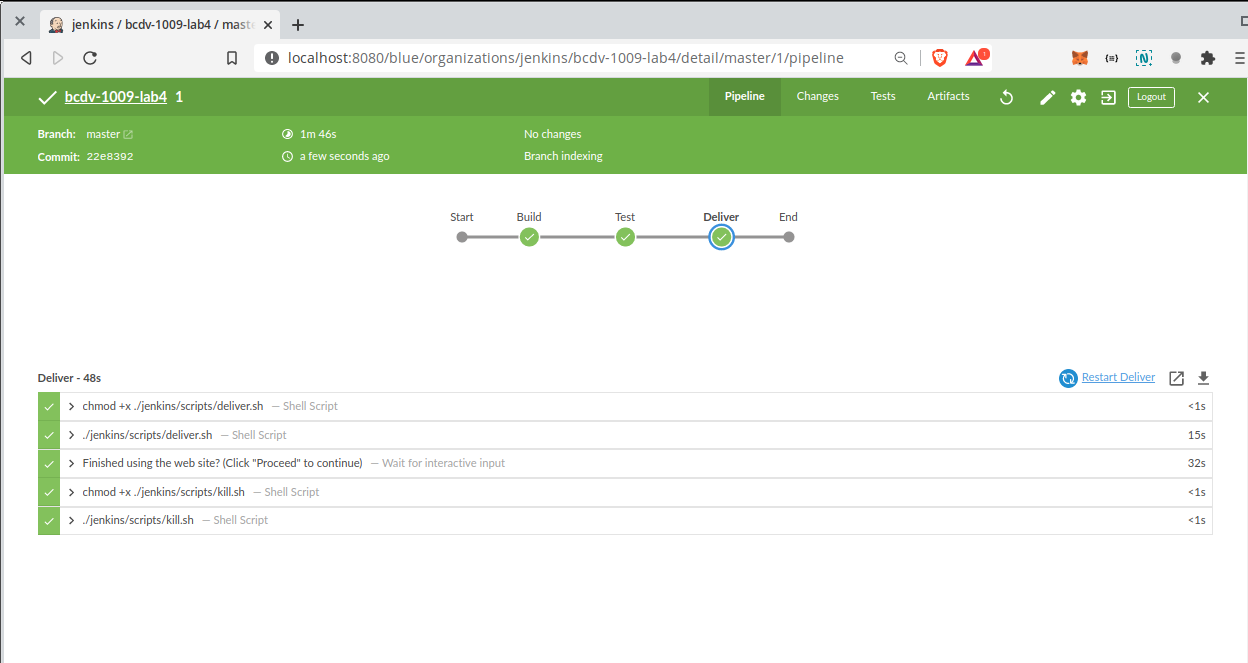
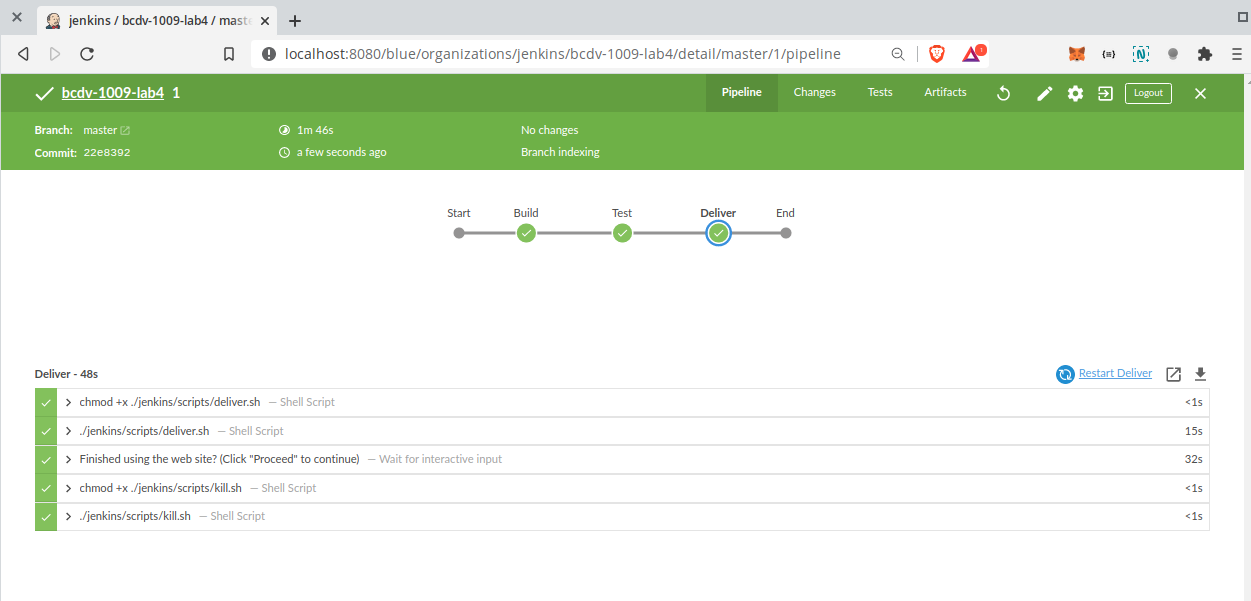
Once build is triggered via GitHub repository